Step into Peach’s Castle, jump through paintings, and chase Power Stars. Play Super Mario 64 through a community browser port, with no separate game installation on this site.
Super Mario 64 / COMMUNITY WEB PORT
▶
Your next castle adventure.
A familiar adventure. One click to load the community port.
Keyboard · Gamepad support · Touch controls in the source port
Ready when you are. Desktop with a keyboard or gamepad recommended.
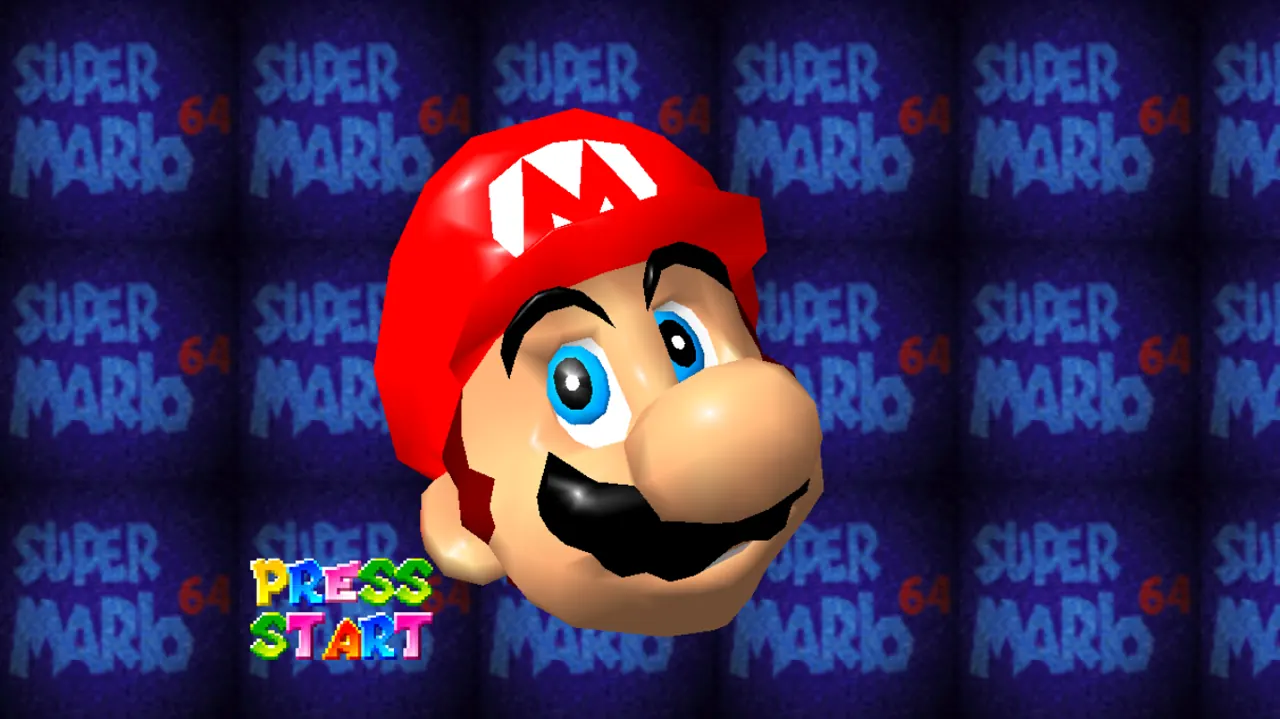
Community title-screen screenshot · NotAn127 / SM64 PC Port WebGL. The game connects to an external host only after you press Play. Privacy details.
01 / GET INTO THE GAME
How to play Super Mario 64 online
Start with a comfortable setup, then take a minute to learn movement before chasing your first star. The embedded game is supplied by an independent community project.
01
Load the community port
Press Play Super Mario 64 above. Your browser connects to NotAn127’s game host and begins fetching its files. Keep the tab open while it loads; the first visit can take longer than a repeat visit. You do not need a site account to use this page.
02
Give the game focus
Click inside the game area before using your keyboard. Follow the controls shown by the loaded build, because bindings can differ between ports. For a controller, connect it before starting and press a button so the browser can detect it. Check movement before beginning a difficult course.
03
Find your first Power Star
Explore the castle and enter an available painting to begin a course. Read the mission hint, take a look around, and try one objective at a time. Getting comfortable with jumping and the camera is more useful than rushing straight toward a difficult route.
Choose your controls
Input
What to know
Keyboard
The current port’s Controls panel lists WASD to move, L to jump, comma to attack, K to crouch, Shift for camera, Space for Start, and arrow keys for C-buttons. Click inside the game first; bindings may change with upstream updates.
Gamepad
The source page lists gamepad support. Browser permissions, controller mappings, and device detection can still vary.
Touchscreen
The project README describes mobile touch controls. Try landscape orientation; touch support is not a guarantee of smooth performance on every phone.
Fullscreen
Use the Fullscreen button above the game. Press Escape to leave on supported desktop browsers, or use the visible exit control.
02 / MORE THAN A STRAIGHT LINE
A castle full of ways to explore
Super Mario 64 is a 3D platform adventure built around movement, exploration, and collecting Power Stars. Its open spaces reward looking around rather than following a single narrow track.
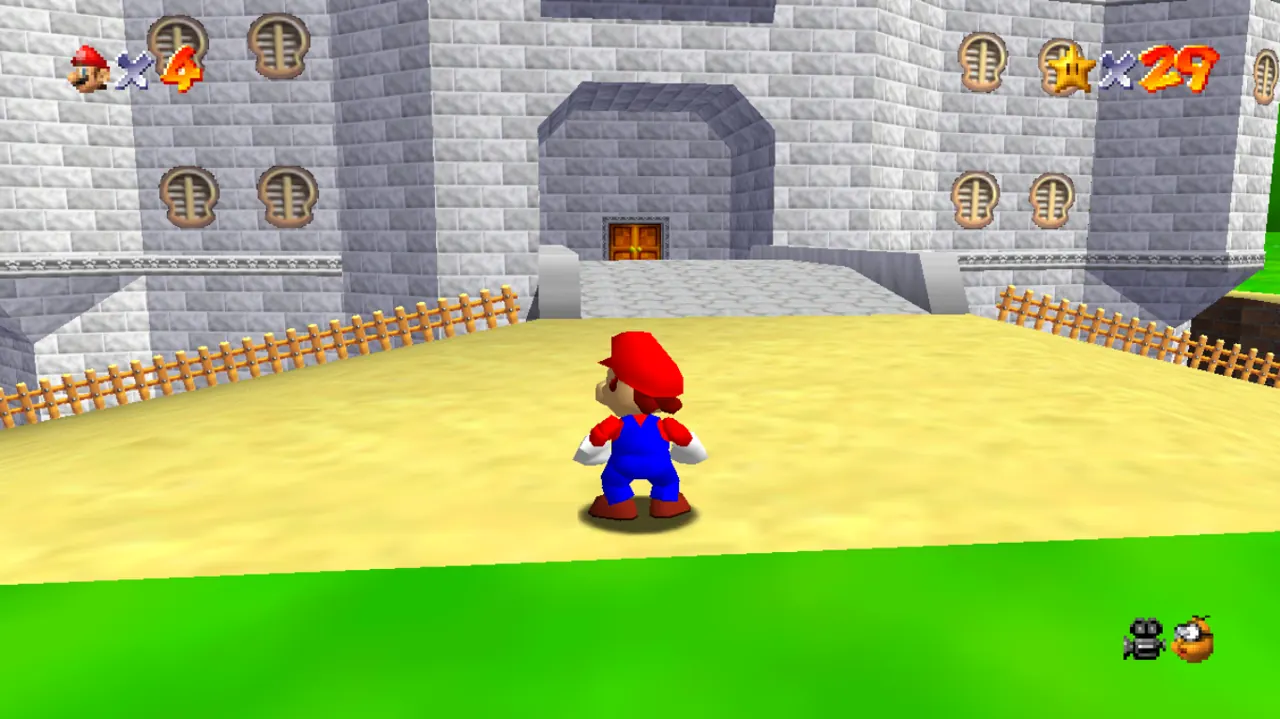
Explore the castle grounds before choosing your next course. Community screenshot from the NotAn127 web port. View original screenshot ↗
THE HUB
Let the castle guide you
Peach’s Castle connects the different courses. When one challenge feels frustrating, return to the hub and look for another available objective. Doors and new areas give collecting stars a purpose, but exploring familiar rooms can also help you understand how the world fits together. Read what the game tells you instead of assuming every painting works the same way.
THE MOVEMENT
Make every jump deliberate
Use an open, safe space to practise moving, stopping, and turning. Then combine movement with a jump and notice where Mario lands. A small camera adjustment can make a narrow platform much easier to judge. If you keep missing the same ledge, change your viewing angle and approach before trying to move faster.
THE OBJECTIVE
Follow one star at a time
Course missions provide a useful starting point, while coins, landmarks, and unusual objects give you reasons to investigate. Choose a single goal for a short session: learn a route, understand a boss encounter, or reach a previously awkward platform. Returning to an earlier course with better movement often reveals opportunities you missed on the first visit.
A good first-session plan
Check the controls, explore the castle entrance, complete an accessible mission, and test whether progress returns before investing in a long run. This short routine separates gameplay practice from browser setup problems, and gives you a clearer idea of what to do on your next visit.
03 / KEEP YOUR RUN GOING
Browser, loading & save help
The website shell and the game run on different hosts. A working page does not necessarily mean the game’s scripts, graphics, sound, or storage have finished initializing.
A blank screen or a slow start
Allow time for the initial game files to arrive, then try Retry loading. If the embedded view stays blank, open the source game using the link below the player. That helps distinguish an embedding or browser-privacy issue from a problem at the game host.
An updated browser with WebGL enabled is a sensible starting point. Close demanding tabs, check whether hardware acceleration is available, and test another browser if necessary. Restricted networks can block the external host; this site cannot bypass those restrictions or guarantee availability.
No movement, sound, or controller response
Click the game area again if keyboard input appears to scroll the surrounding page. After switching tabs or entering fullscreen, the game may need focus again. For a controller, check the connection and press a button while the game is active.
Browsers can hold back audio until a user gesture. Click inside the game, check the tab and device volume, and look for the game’s own audio options. If a controller still does not respond, test keyboard input before assuming the entire game has stopped.
Saving is experimental in this port
The source page explicitly describes save files as a work in progress. Do not assume that finishing a session guarantees permanent progress. Test saving and returning with a short session first, and use any backup or export option only if the loaded game actually provides one.
Private browsing, blocked third-party storage, clearing site data, or changing browsers can affect browser-game progress. The embedded context and the source game’s own tab may also behave differently. This site has no account-based cloud save and cannot recover game data stored by the external port.
Playing on a smaller screen
The community project advertises touch controls, but a phone’s performance and browser support can vary. Rotate to landscape for more room, close other apps, and use fullscreen when your browser supports it. A gamepad may offer a more comfortable alternative to on-screen controls.
If the surrounding source-page interface leaves too little space inside the embed, use Open source game to give it a full browser tab. Desktop with a keyboard or controller is the recommended starting setup for checking whether the port works on your connection.
04 / BEFORE THE NEXT JUMP
Super Mario 64 questions, answered
A few practical answers before you start. These notes describe the linked community port, not every SM64 project on the web.
Do I need to install Super Mario 64 to use this page?
This page loads a browser-based community port in the game area. It does not ask you to install an app, extension, or desktop launcher. Game files still need to transfer over your connection, so “in your browser” does not mean an instant or offline start.
Can I play Super Mario 64 on a phone?
The project README lists mobile support with touch controls. Whether it runs comfortably depends on the device, browser, available memory, and graphics support. Try landscape mode and the source-game link if the embedded view is too cramped. Mobile availability should not be treated as universal compatibility.
Will my Super Mario 64 progress be saved?
Saving is not guaranteed: the source page labels it a work in progress. Test a short session before relying on it, and avoid clearing browser data if you want to preserve any local progress. This website does not provide a separate save account or recovery service.
Does this Super Mario 64 port include multiplayer?
We have not verified multiplayer in this specific build and do not advertise it. Other browser ports can have different features. Instructions, news, or videos about another version should not be taken as proof that the same feature is available in this embedded game.
Why does the game not load when the website works?
The page and the game come from different hosts. The external game can be unavailable, blocked by a network, or affected by browser graphics and storage settings even when this site loads normally. Try the retry button, then the source link, to narrow down the problem.
Is this the official Super Mario 64 website?
No. This is an independent fan site linking and embedding a community web project. It is not affiliated with Nintendo or the port’s maintainers. Super Mario 64 and its characters belong to their respective rights holders; this page does not claim ownership or an official endorsement.
A NOTE ON THIS PORT
A classic game. A community-built route to the browser.
The playable area uses the URL provided by the NotAn127 SM64 PC Port WebGL project. Its README and landing page are the sources for the gamepad, touch-control, and experimental-save notes above. Availability and behavior can change when that project updates. Report a broken link or an inaccurate instruction through our About page; gameplay bugs in the port need attention from its maintainers.